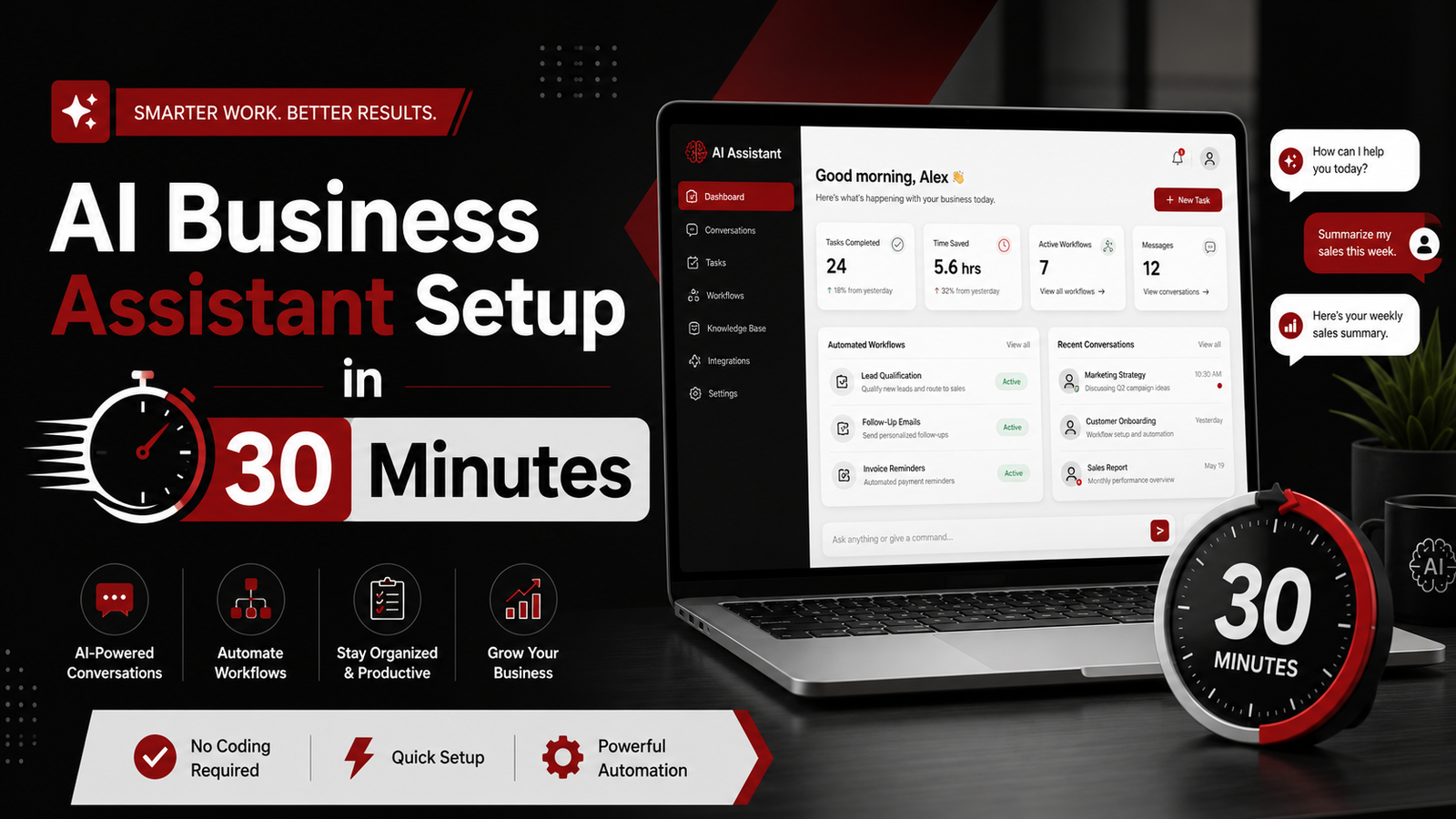
You open your inbox and half the emails are still waiting. Most business owners lose 10 to 15 hours each week on admin work. That time adds up to thousands of dollars left on the table. The solution starts here: The AI Business Assistant Blueprint.
Why The AI Business Assistant Blueprint Changes Your Daily Workflow
Businesses are no longer just asking AI questions—they are delegating entire workflows to intelligent agents. This shift marks the end of passive tools. Today’s platforms can handle scheduling, follow ups, data entry, and customer communication without you lifting a finger.
The AI Business Assistant Blueprint gives you a tested system. You get clear steps to build and launch AI tools that work inside your real business. No theory. No fluff. Just a path from setup to revenue.
What makes this different from generic automation courses? It focuses on one goal. You learn to create an AI assistant that performs tasks people will pay for. This training shows you how businesses apply AI assistants today. That means you can start selling services this month.
AI assistants for business are rapidly shifting from optional tools to essential team members, with companies seeing major gains in efficiency, cost savings, decision speed, and error reduction. Your clients need this. You can deliver it.
What You Get Inside The AI Business Assistant Blueprint
The blueprint walks you through building custom AI assistants that integrate with existing business tools. You start with client discovery. What problems do they face every day? Where do bottlenecks appear? Then you design solutions that fix those exact issues.
Module one covers niche selection. You identify industries where AI assistants deliver obvious ROI. Your job is to find stable markets where automation produces obvious ROI. Real estate agents need lead follow up. Coaches need scheduling automation. Service providers need intake systems. You pick one and go deep.
Module two teaches you workflow mapping. You break down tasks into steps an AI can handle. Email responses. Calendar booking. Data collection. CRM updates. The training shows you which tools connect to which platforms. You see how the pieces fit together before you build anything.
Module three is implementation. You get templates and scripts. You learn how to set up triggers and actions. You test everything before launch. The platform guides you through connecting popular business apps. This is where your assistant comes alive.
Module four focuses on delivery and pricing. You learn how to package your AI assistant as a service. Monthly retainer or one time setup? How much should you charge? The blueprint gives you pricing models based on client size and industry. You get sample proposals and contracts too.
How The AI Business Assistant Blueprint Helps You Sell AI Services
Once you build an assistant, you need clients. The training includes outreach templates and pitch scripts. You learn how to demonstrate value in the first conversation. Show them the time they’ll save. Show them the errors they’ll avoid. Make the ROI clear.
Nobody wants AI. They want results. Your offer must promise one specific outcome. The blueprint teaches you to lead with outcomes. Not features. Not technology. Just the problem solved and the hours saved.
You also learn how to offer a pilot program. Start small. Automate one workflow. Prove it works. Then expand to other areas. This approach lowers client risk and builds trust fast.
The community access is worth mentioning. You join a group of people building the same business model. You can ask questions. Share wins. Get feedback on your setup. This support keeps you moving when you hit roadblocks.
Why Timing Matters for The AI Business Assistant Blueprint
Despite more than $250 billion being invested in AI globally in 2025, only 25% of companies say it is having a transformative impact, with many organizations layering AI on to existing processes rather than redesigning how they operate. That gap is your opportunity. Businesses know they need AI. They don’t know how to use it properly.
You step in as the guide. You show them where AI fits. You build the system. You hand them the keys. They get results without hiring a full time team.
Most competitors are still offering generic consulting. You deliver working systems. That’s a huge advantage. Becoming a millionaire with AI in 2026 is not about hype or trends. It is about disciplined execution. You follow a proven process. You get predictable outcomes.
The market is growing fast. 92% of executives plan to increase AI spending within 3 years. Companies will pay for help. They need someone who can implement. Not just talk about possibilities.
Real Use Cases from The AI Business Assistant Blueprint
Consider a real estate agency. They get 50 leads per week. Most go cold because follow up is slow. You build an AI assistant that sends personalized messages within minutes. It qualifies leads with a few questions. It books showings directly on the agent’s calendar. The agency closes more deals. You charge a monthly fee.
Or take a consulting firm. They spend hours scheduling client calls. You create an assistant that handles availability checks, sends calendar invites, and confirms appointments. It integrates with their CRM. Every meeting gets logged automatically. The firm saves 10 hours per week. You get paid for setup plus a retainer.
Another example: an ecommerce store needs customer support. You deploy an AI assistant that answers common questions about shipping, returns, and product details. It escalates complex issues to humans. Response time drops from hours to seconds. Customer satisfaction goes up. The store owner pays you monthly to maintain it.
These aren’t hypothetical. They’re scenarios the blueprint prepares you to handle. You get the frameworks. You adapt them to your client’s needs. You deliver fast.
Setting Up Your First Client with The AI Business Assistant Blueprint
Start by choosing a business in your network. Someone you already know. Offer a free pilot. Pick one repetitive task they hate. Build an assistant that handles it. Let them test it for two weeks.
During the pilot, collect feedback. What works? What needs tweaking? Make adjustments quickly. Show them you’re responsive. This builds confidence.
After the trial, present the results. How much time did they save? How many tasks got automated? What would it cost to hire someone to do this manually? The numbers make the case for you.
Then discuss pricing. The blueprint suggests starting around $500 to $1000 per month for small businesses. Larger companies can pay $2000 or more depending on complexity. You’re not selling software. You’re selling their time back.
Once the first client pays, document everything. What did you build? What tools did you use? How long did it take? This becomes your playbook. You replicate it for the next client. Speed improves. Profit margins grow.
Common Mistakes The AI Business Assistant Blueprint Helps You Avoid
Many people try to build the perfect assistant before talking to clients. Wrong move. Sell before you build. Validate demand first. Then create the solution.
Another mistake is overcomplicating the setup. You don’t need a dozen tools connected on day one. Start with two or three key integrations. Solve the biggest pain point. Add features later if needed.
Underpricing is common too. New service providers charge too little because they lack confidence. The blueprint shows you how to price based on value delivered. Not hours worked. Your client saves 10 hours per week. That’s worth more than a few hundred dollars.
Ignoring support is another trap. You launch the assistant and disappear. Bad idea. Clients need help adjusting. They have questions. Stay engaged for the first month. This turns one time projects into long term retainers.
Scaling Beyond Your First Client with The AI Business Assistant Blueprint
After three or four clients, you’ll notice patterns. Certain industries need similar solutions. You can package these as offers. Instead of custom builds every time, you sell a proven system with minor tweaks.
This speeds up delivery. You go from two weeks to three days. Profit per client stays the same. Time invested drops. You can take on more clients without burning out.
Hiring help becomes possible. You train someone to handle setup tasks. You focus on sales and strategy. Your business grows without you being stuck in execution forever.
Some students from the blueprint have scaled to $10,000 per month within six months. They started with one client. Reinvested earnings into ads and outreach. Built a roster of 10 to 15 paying accounts. That’s the power of a repeatable system.
Who Benefits Most from The AI Business Assistant Blueprint
Freelancers looking to add a high ticket service will find this valuable. You already have clients. You know their problems. You can upsell AI assistant setup as an add on. Easy transition.
Virtual assistants can use this to level up. Instead of doing the tasks yourself, you teach AI to do them. You become a consultant instead of an hourly worker. Your income ceiling lifts.
Coaches and consultants benefit too. You help clients get organized. AI assistants fit naturally into that work. You deliver more value without adding hours to your calendar.
Even people starting from scratch can succeed. The blueprint assumes no prior tech skills. You follow the steps. You learn as you build. By the end, you have a marketable skill and a working product.
Frequently Asked Questions
Do I need coding skills to use the AI Business Assistant Blueprint?
No coding skills are required. The blueprint uses no code tools and visual builders. You connect apps through simple interfaces. Everything is designed for non technical users.
How long does it take to build my first AI assistant?
Most students build their first working assistant within one to two weeks. This includes learning the platform, mapping workflows, and testing. With practice, setup time drops to a few days.
Can I offer AI assistant services while working a full time job?
Yes. Many students start part time. You can build systems on evenings and weekends. Client work is flexible. Once systems are running, maintenance takes minimal time.
What industries work best for AI assistant services?
Real estate, coaching, consulting, ecommerce, and professional services see strong demand. Any business with repetitive admin tasks and high client volume benefits. The blueprint helps you identify your best fit market.
How much can I realistically charge for AI assistant services?
Pricing ranges from $500 to $3000 per month depending on business size and complexity. Small businesses typically pay $500 to $1000. Mid size companies pay $1500 to $3000. Enterprise clients can pay more for advanced systems.
Visit The Ai Business Assistant Blueprint and start building your AI assistant business today.
Purchase Through My Link and Receive Five Exclusive Bonuses
When you purchase the AI Business Assistant Blueprint through my link on this page, you will also receive my complete AI Business Bonus Bundle at no additional cost.
This includes the AI Business Assistant Prompt Vault, featuring 50 ready-to-use prompts for planning, content creation, emails, research, communication, and organization; the AI QuickStart Guide, with beginner-friendly instructions, prompt formulas, worksheets, privacy tips, and a seven-day action plan; the AI Affiliate Marketing Assistant Pack, containing 40 affiliate-focused prompts, campaign tools, social media templates, email prompts, and tracking resources; the 30-Day AI Business Action Plan, which gives you daily activities and copy-ready prompts to help you put AI to work consistently; and the AI Assistant Troubleshooting Guide, with diagnostic checklists, correction prompts, and practical solutions for improving your AI results. These exclusive bonuses (worth $205) are designed to help you move beyond simply learning about AI and begin using it confidently in your business.
Leave a Reply